Microsoft 365 for business comes down to three real choices: Business Basic, Business Standard, and Business Premium. Most UK small businesses only need to weigh up those three.
The difference between them isn't really about which apps you get. It's about how much protection sits behind your data, and how well the plan will hold up as your business grows.
Reflective IT license and manage Microsoft 365 for SMEs across London and the South East every day, so this is based on what we actually see working for businesses like yours.
The three plans, in one sentence each
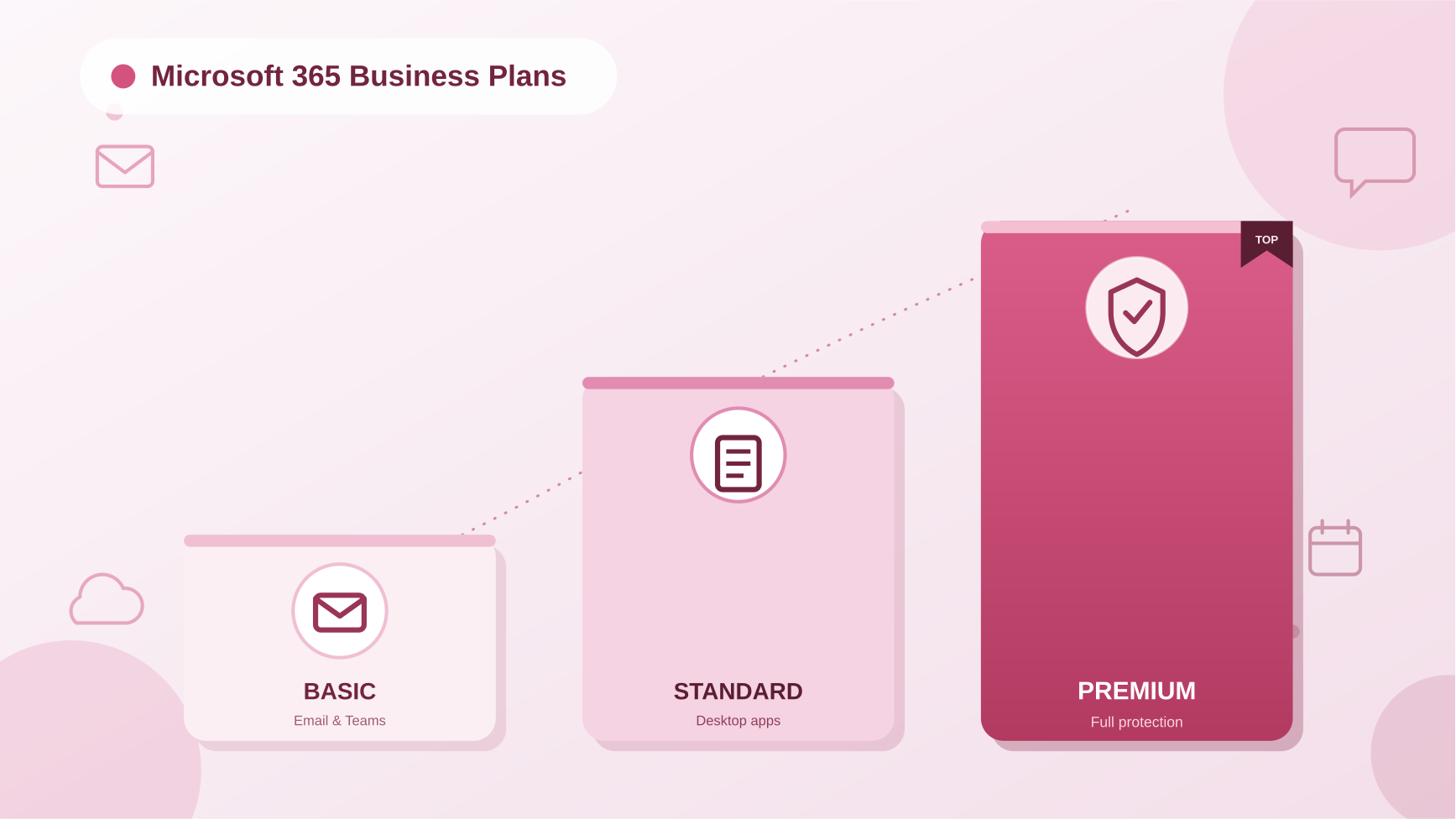
- Microsoft 365 Business Basic - web and mobile only, no desktop apps, the cheapest way to get a proper business email address and Teams.
- Microsoft 365 Business Standard - the same as Basic, but with full desktop apps (Word, Excel, PowerPoint, Outlook installed on your PC, not just in a browser).
- Microsoft 365 Business Premium - everything in Standard, plus the security and device management layer that actually protects the business: threat protection, device management, and data loss prevention.
The jump from Basic to Standard is about convenience. The jump from Standard to Premium is about risk.
Microsoft 365 business plans compared (2026 pricing)
Microsoft revised its business packaging on 1st July 2026, bundling Copilot AI features into Standard and Premium by default. Here's how the core plans compare as things stand:
| Business Basic | Business Standard | Business Premium | |
|---|---|---|---|
| Price | £5.40/user/month | £18.10/user/month | £24.60/user/month |
| Best for | Startups, very small teams, remote-only staff | Office-based teams that need desktop Office apps | Any business handling client, financial, or personal data |
| Desktop Office apps | ✗ (web/mobile only) | ✓ | ✓ |
| Business email & Teams | ✓ | ✓ | ✓ |
| Cloud storage | 1TB/user | 1TB/user | 1TB/user |
| Advanced threat protection (Defender for Business) | ✗ | ✗ | ✓ |
| Device management (Intune) | ✗ | ✗ | ✓ |
| Data loss prevention & sensitive data protection (Purview) | ✗ | ✗ | ✓ |
| Windows 11 Pro upgrade included | ✗ | ✗ | ✓ |
| Copilot AI features | Copilot Chat | Copilot Chat | Copilot Chat |
| User limit | Up to 300 | Up to 300 | Up to 300 |
Copilot Chat is Microsoft's free AI assistant now enhanced with inbox and calendar awareness across all three plans. The full paid Copilot add-on (with deeper document and data capabilities) is a separate purchase on top of any plan.
Prices shown are per user, per month, on an annual commitment, and exclude VAT. See Microsoft's official pricing page for current figures, as these are updated periodically.
Which Microsoft 365 plan is right for my business?
If you're a five-person startup working entirely in a browser, Business Basic will genuinely do the job. Just be honest with yourself about whether that's really the case, most teams start finding Basic's limitations (no desktop Outlook, no desktop Excel) within a few months.
If your team lives in Word, Excel and Outlook every day, Standard is the natural fit. It's the most common plan we see for straightforward office-based SMEs with low compliance exposure.
If you hold client data, financial records, personal data, or anything covered by GDPR, Premium isn't really optional, it's the plan that lays the groundwork for proper data protection tools if the ICO or a client ever asks. It's worth knowing that Premium is the foundation, not the finish line. Some of the more advanced protections, like catching an employee quietly downloading company data before they leave, need a further add-on on top of Premium. We've covered that specific example in detail in our piece on insider risk management, if that's a risk your business is exposed to. Premium's tools are only as good as who's watching them, pairing it with a monitored service like our SOC as a Service means someone is actually acting on the alerts it raises, not just collecting them.
Where we see businesses get this wrong
A few patterns come up again and again when we review a new client's licensing:
- Paying for Premium features nobody uses. Some businesses are on Premium purely for the Office apps, with device management and threat protection sitting switched off. That's money spent without the protection it's meant to buy.
- Staying on Basic or Standard for years by default, long after the business has grown into a size and risk profile that needs Premium's protection, usually because nobody revisited the original setup.
- Mixing licences inconsistently across the team, so finance and leadership (who handle the most sensitive data) end up on a lower plan than junior staff, simply because of when they joined.
- Assuming every protection is switched on by default, when some of the more specific tools, like insider risk detection, are separate add-ons even on Premium, not something the base plan includes automatically.
None of this is unusual, it's just what happens when licensing is set up once and never looked at again.
Microsoft 365 Business Plans FAQs
We're a small business, are we probably overpaying or underprotected on Microsoft 365?
Underprotected is far more common than overpaying. In our experience reviewing client setups, most small businesses are on a lower plan than their data risk actually calls for, not a higher one. If you've never had your licensing reviewed since you first signed up, that's usually the first sign.
How do I know if my business actually needs Business Premium, or if Standard is fine?
Ask what kind of data your business handles, not how many staff you have. If you hold client financial details, personal data, contracts, or anything covered by GDPR, Premium is worth it regardless of company size. If your business is purely internal admin and general office work with nothing sensitive changing hands, Standard usually covers it
Is it worth upgrading everyone to Premium, or just some staff?
Not everyone needs the same plan. We often set up mixed licensing, Premium for anyone handling sensitive or financial data (finance, leadership, client-facing roles), Standard for everyone else. That's usually more cost-effective than putting the whole business on one plan by default.
What's the most common mistake you see businesses make with Microsoft 365 licensing?
Setting it up once when the business was small, and never revisiting it as the business grew or took on more sensitive work. We regularly find businesses still on the plan they started with five years ago, even though their risk profile has completely changed.
If we're already locked into a Microsoft 365 contract, is it too late to change our setup?
No. Plans can be changed as your business needs change, and it's rarely as disruptive as people expect. The bigger risk is staying on the wrong plan because switching feels like a hassle, not the switch itself.
Should we buy Microsoft 365 directly from Microsoft, or through an IT provider?
You can do either, but buying through a provider like us means someone is actually reviewing whether the plan matches your business, rather than you working through Microsoft's plan chooser on your own and guessing.
How Reflective IT Can Help
Choosing the right plan is only half the job - the bigger question is usually whether your current licensing actually matches how your business operates today. As part of our Managed IT Support, we review Microsoft 365 licensing with clients to make sure they're not overpaying, underprotected, or stuck on a plan they've long since outgrown.
If you're not sure which plan is right for your business, or want a second opinion on what you're already paying for, speak to our team.
📞 0207 317 4535 | 📧 support@reflectiveit.com