Quick answer: What’s new in Microsoft Teams this winter?
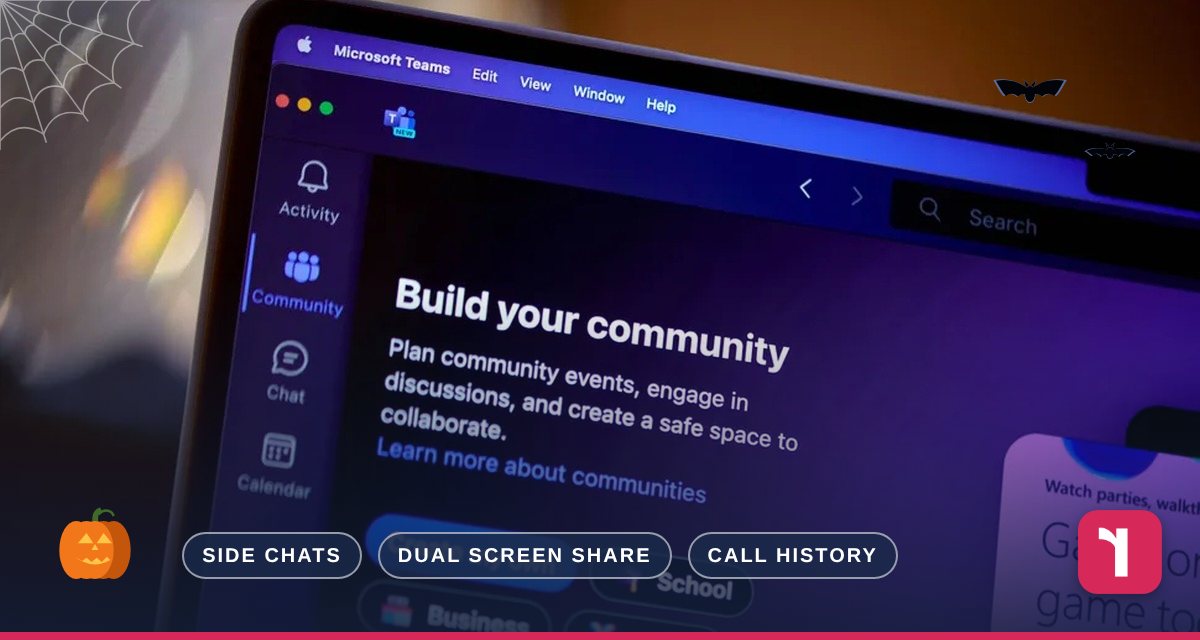
Between now and the end of the year, Teams is adding side chats during meetings, two presenters sharing at once, impersonation warnings, a way to report suspicious meetings and a much longer call history. No action is needed from you — they’ll appear automatically as they roll out.
Teams Is Getting Better (and Safer)
Microsoft Teams is where most of our clients’ meetings, chats and calls now happen, so even small improvements make a real difference. Here are five useful updates on their way between now and the end of the year — including two that help protect you from scams.
1. Side Chats During Meetings
Need to check something with a colleague without interrupting the meeting? You’ll soon be able to start a private one-to-one or small-group chat from within the meeting itself — to ask a quick question, agree next steps or share a link — without leaving the main discussion. Expected from November 2026 on desktop, web and mobile.
2. Two Presenters Sharing at Once
Two people will be able to share their screens or windows at the same time in a Teams meeting, with everyone seeing both side by side. Perfect for comparing two versions of a document, or for a presenter and a demonstrator working together. Expected from November 2026 on Teams desktop and web.
3. Impersonation Warnings in Meetings
Criminals increasingly pose as IT support, suppliers or senior colleagues in Teams meetings and calls. Teams will start showing warnings and risk indicators when it detects a possible impersonation attempt, so you can think twice before joining or sharing anything. Expected from November 2026.
4. Report Suspicious Meetings and Messages
Organisers and attendees can now report suspicious, malicious or potentially fraudulent activity in a meeting — during or after it — straight to the security team for investigation. This is rolling out now.
5. A Much Longer Call History
If you use Teams for phone calls, your call history is growing from 100 calls to up to 3,000 calls or six months, and missed calls will be grouped with their voicemails, making it much easier to find who called and why. Expected through November 2026 on desktop and web.
Reflective IT Tip
If someone you don’t recognise joins a Teams call claiming to be from IT support and asks you to install software or share your screen, hang up and call us on 0207 317 4535. We will never ask for your password.
Frequently asked questions
Do I need to do anything to get these features?
No. They’ll appear automatically as Microsoft rolls them out. Some may reach you a few weeks later than others.
Can I report a suspicious Teams message to Reflective IT?
Yes. As well as using the new report option, please let us know at support@reflectiveit.com and we’ll investigate.
Will these features work on my phone?
Side chats, impersonation warnings and reporting are coming to mobile. Dual screen sharing and the longer call history are for desktop and web.
Need Help or Have Questions?
Our team is always happy to help. Contact us, speak to your Technical Account Manager, or get in touch directly:
📞 0207 317 4535 | 📧 support@reflectiveit.com
Sources: Microsoft 365 roadmap and Message Center — side conversations, two presenters, impersonation protection, report a security concern, call history. Dates may change.