Quick answer: How can businesses use AI agents safely?
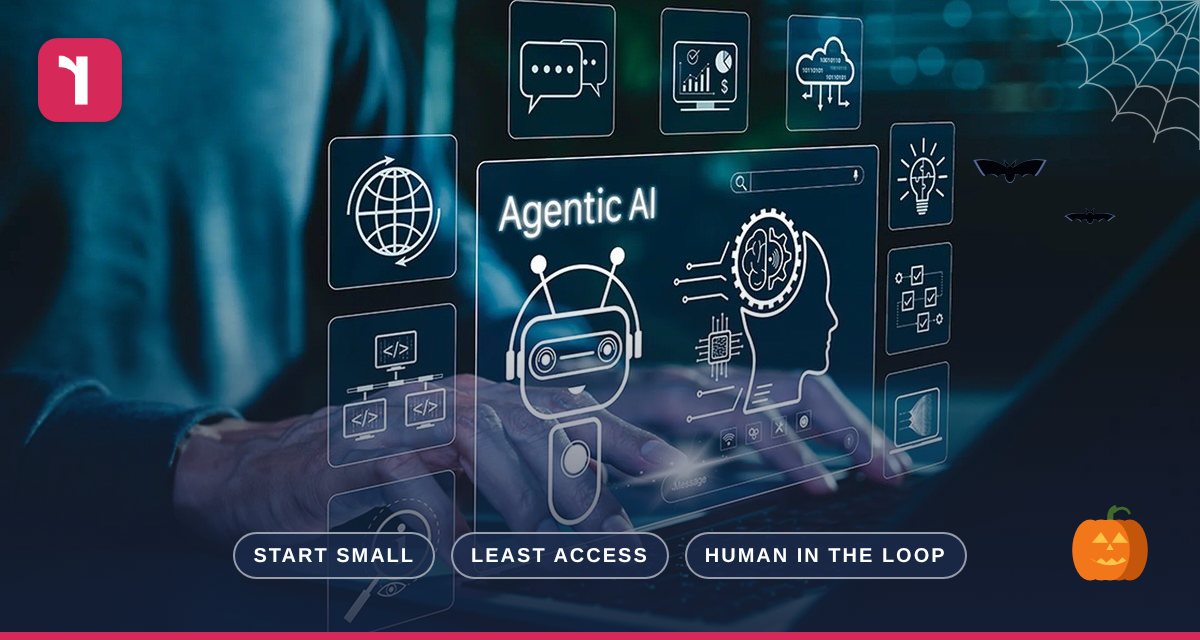
The UK’s National Cyber Security Centre (NCSC) recommends you start small with low-risk tasks, give agents only the access they need, keep a human in the loop, and decide who is accountable for approving, monitoring and switching agents off.
What Is an AI Agent?
Most of us are used to AI that answers questions. AI agents go further: they can take actions on your behalf, such as sending emails, updating records, booking meetings or working across several apps to complete a task.
Agents are arriving fast in Microsoft 365 (including Copilot’s new multi-step tasks) and in many other business tools. They can save real time, but because they can do things, the risks are different from a chatbot that only writes text.
What the NCSC Recommends
The NCSC’s guidance on adopting agentic AI carefully sets out a sensible, practical approach for organisations of any size:
1. Start small
Check whether you need AI at all, or whether a simpler automation would do. If an agent is the right fit, start with narrow pilots on clearly defined, low-risk, repetitive tasks, and only widen the scope once you’re confident it behaves as expected.
2. Give agents only the access they need
Never give an agent unrestricted access to sensitive data or critical systems. Grant the minimum access needed for the shortest time, restrict what it can do and when, and prefer temporary credentials over permanent ones.
3. Keep a human in the loop
Plan for agents that misunderstand a task, go beyond what you intended, or are tricked by malicious content. Keep visibility of what they do, monitor for unusual activity, and make sure a person can review and approve important actions.
4. Decide who is accountable
People remain responsible for the decision to use an agent and its consequences. Before connecting one to real systems or data, decide who owns it, who approves its access, who monitors it, who reviews incidents — and who can switch it off.
“If you cannot understand, monitor or contain an agent’s actions, it is not ready for deployment.”
— National Cyber Security Centre
A Simple Checklist Before You Switch an Agent On
- Is the task clearly defined and low risk?
- Have we limited the agent to only the data and systems it needs?
- Will a person approve anything sensitive, such as sending external emails or making payments?
- Can we see what the agent has done, and spot anything unusual?
- Do we know who owns it, and how to switch it off quickly?
- Does our incident plan cover an agent going wrong?
Reflective IT Tip
Before trying AI agents in Microsoft 365, tidy up your permissions. Agents and Copilot can only see what your users can see, so overshared SharePoint sites and folders are the biggest risk to fix first.
How Reflective IT Can Help
We can help you decide where AI agents make sense for your business, review your Microsoft 365 permissions and security settings first, and set up sensible controls and monitoring so you can adopt AI with confidence.
Frequently asked questions
Are AI agents safe to use?
They can be, if they’re introduced carefully, with limited access, monitoring and human oversight, as the NCSC recommends.
Is Copilot an AI agent?
Copilot is increasingly able to act as one. Its new multi-step tasks can draft emails, manage meetings and create files, and it asks for approval before sensitive actions.
Where can I read the full NCSC guidance?
The NCSC blog, Thinking carefully before adopting agentic AI, links to its full guidance.
Need Help or Have Questions?
Our team is always happy to help. Contact us, speak to your Technical Account Manager, or get in touch directly:
📞 0207 317 4535 | 📧 support@reflectiveit.com
Source: NCSC: Thinking carefully before adopting agentic AI.